The Baselinker row on the Order systems tab of Settings gives you a field mapping to paste into Baselinker. Without it, Baselinker does not know where the app saved the pickup point, so its own pickup point fields stay empty. The tab only appears on stores delivering to Poland.
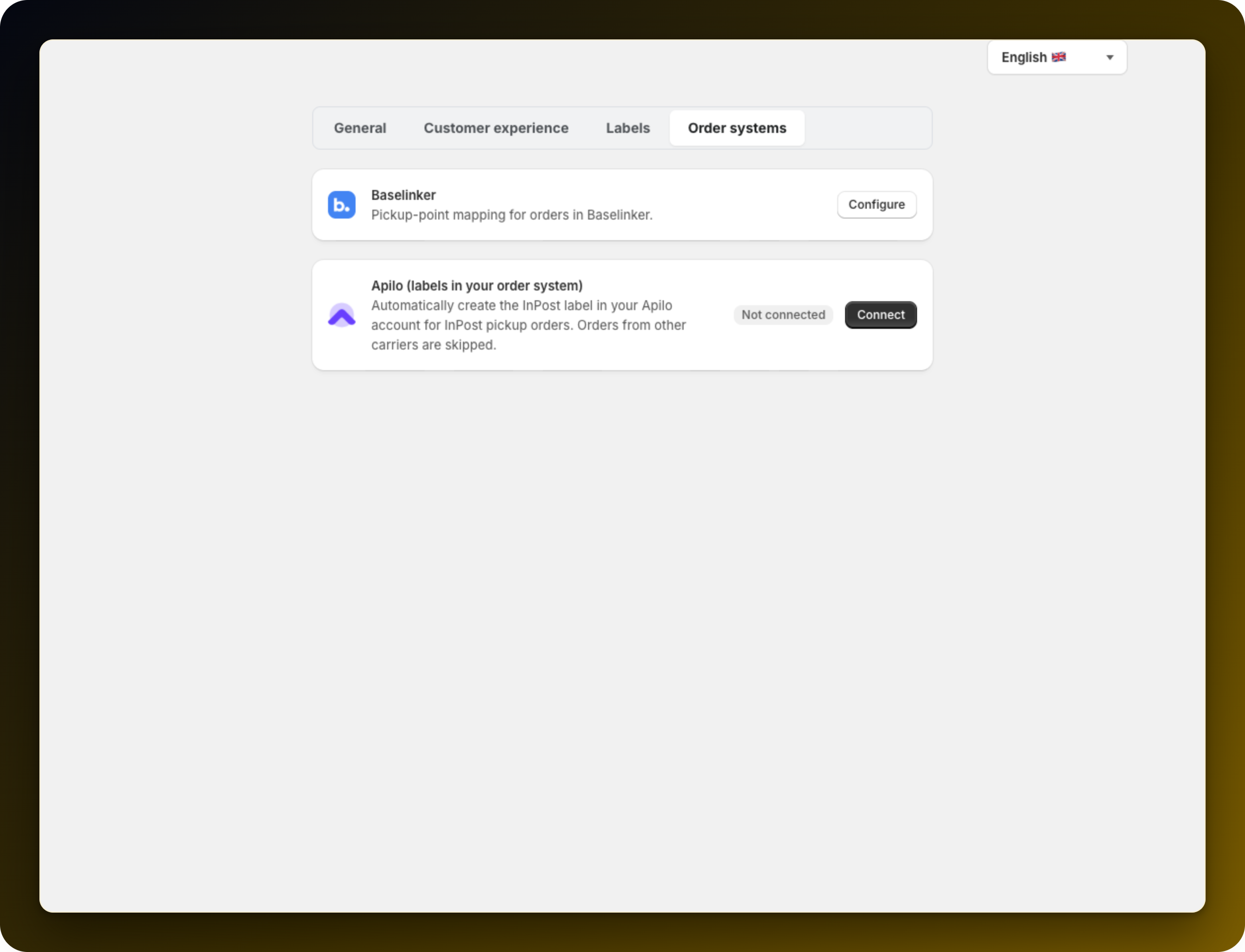
Press Configure on the row, then Copy mapping. It is one line, so copy the whole thing. If you want to see it before you paste it, Show code reveals it.
Open your Baselinker integrations list, find your Shopify integration and paste the mapping into its field mapping configuration, then save. Open Baselinker on the card takes you there, and Watch a video: connecting the app with Baselinker walks you through the same screen.
Place a pickup order, let it sync, and open it in Baselinker. The pickup point should be filled in and you can produce a label as you do for your other carriers. If the field is still empty, the mapping went into the wrong integration or was not saved.
Orders taken before you set the mapping up map as well.
Nothing is stored on our side, so there is nothing to disconnect later.
Prefer the app to create the label for you? Create InPost labels automatically in Apilo.
Stuck on any of this? Open the chat in the bottom right corner of the app and we will help you set it up.
