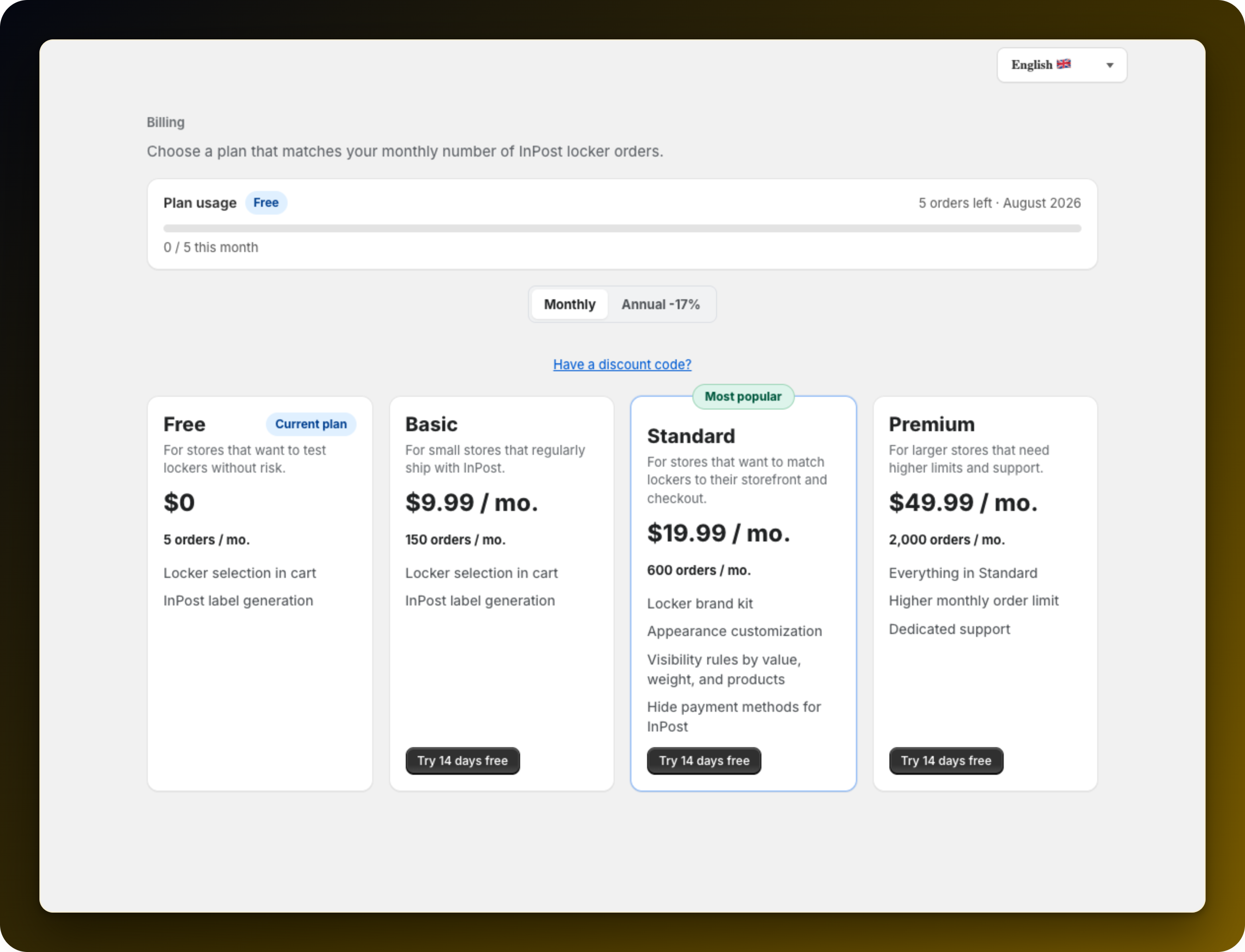
Every plan carries a number of InPost pickup orders per month, from 5 on Free up to 2,000 on Premium. Reaching it does not break your store, but new customers stop being offered pickup delivery.
Open Plans. The Plan usage card at the top shows how many orders are left this month, and its badge becomes Limit reached when you run out. The app home page shows the same count. It is the only sign inside Shopify, so check it first if pickup selection stops working.
Pickup selection is no longer offered: the panel next to the checkout button does not appear, so customers get your normal cart and delivery options. The app also stops renaming your pickup shipping rate with a point code.
Cash on delivery is the part to watch. That rate is normally hidden until the customer picks a point that takes payments. Over the limit it shows on every cart with no point chosen, and cash on delivery is still offered on it, so a customer can pay on pickup with no pickup point to deliver to. If you have cash on delivery configured, pause that rate in Shopify while you are over the limit.
Orders already placed are not affected. Points already saved stay on their orders, labels still generate, and your settings are all intact.
Wait for the next month, when the count resets, or move up a plan. To move up, press Change plan on the app home page, or pick a plan on Plans. Moving up takes effect after you confirm the charge on Shopify's approval screen.
Close to the limit mid-month? Move up now, before customers are turned away.
Compare the plans and limits in InPost plans: what each one includes. The limit usually decides.
Stuck on any of this? Open the chat in the bottom right corner of the app and we will help you set it up.
