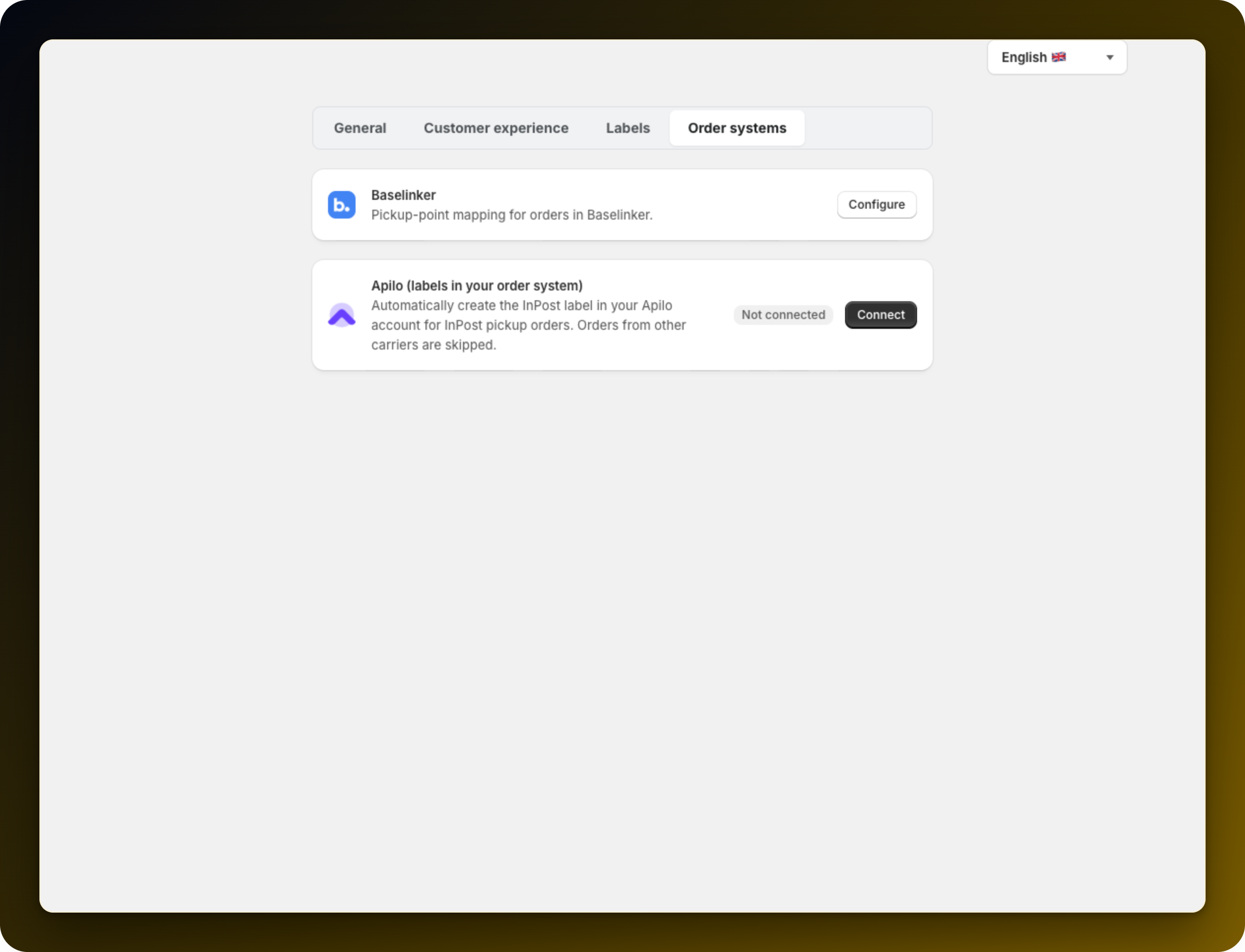
If you already pack and ship from Apilo, you do not want to print labels in Shopify as well. The Apilo (labels in your order system) row on the Order systems tab of Settings creates the InPost label in Apilo for every new pickup order. Orders from other carriers are skipped. The tab only appears on stores delivering to Poland.
Do the one-time setup in Apilo first. Create API keys under Administration → Apilo API keys, and configure your InPost or apaczka courier. Without a courier in Apilo there is nothing for the app to create a label on.
Press Connect on the row and fill in all four fields: Apilo account (subdomain), Client ID, Client Secret and Authorization code. Then press Connect Apilo.
Under Shipping defaults, press Refresh from Apilo to pull in your options, then set Carrier account, Shipping method and Drop-off method. If the app reports no Paczkomat shipping method, enable one on your courier in Apilo and refresh again.
Tick Automatically create InPost labels in Apilo for new locker orders. It is off by default and only appears once your Apilo account is connected.
Place one pickup order after switching it on, and check it appears in Apilo with a label.
Re-run the refresh whenever you change couriers or methods in Apilo.
Mapping pickup points into Baselinker instead? Use pickup points with Baselinker.
Stuck on any of this? Open the chat in the bottom right corner of the app and we will help you set it up.
