Apaczka is a shipping broker. Its row is the last one on the Labels tab of Settings, under your own InPost account.
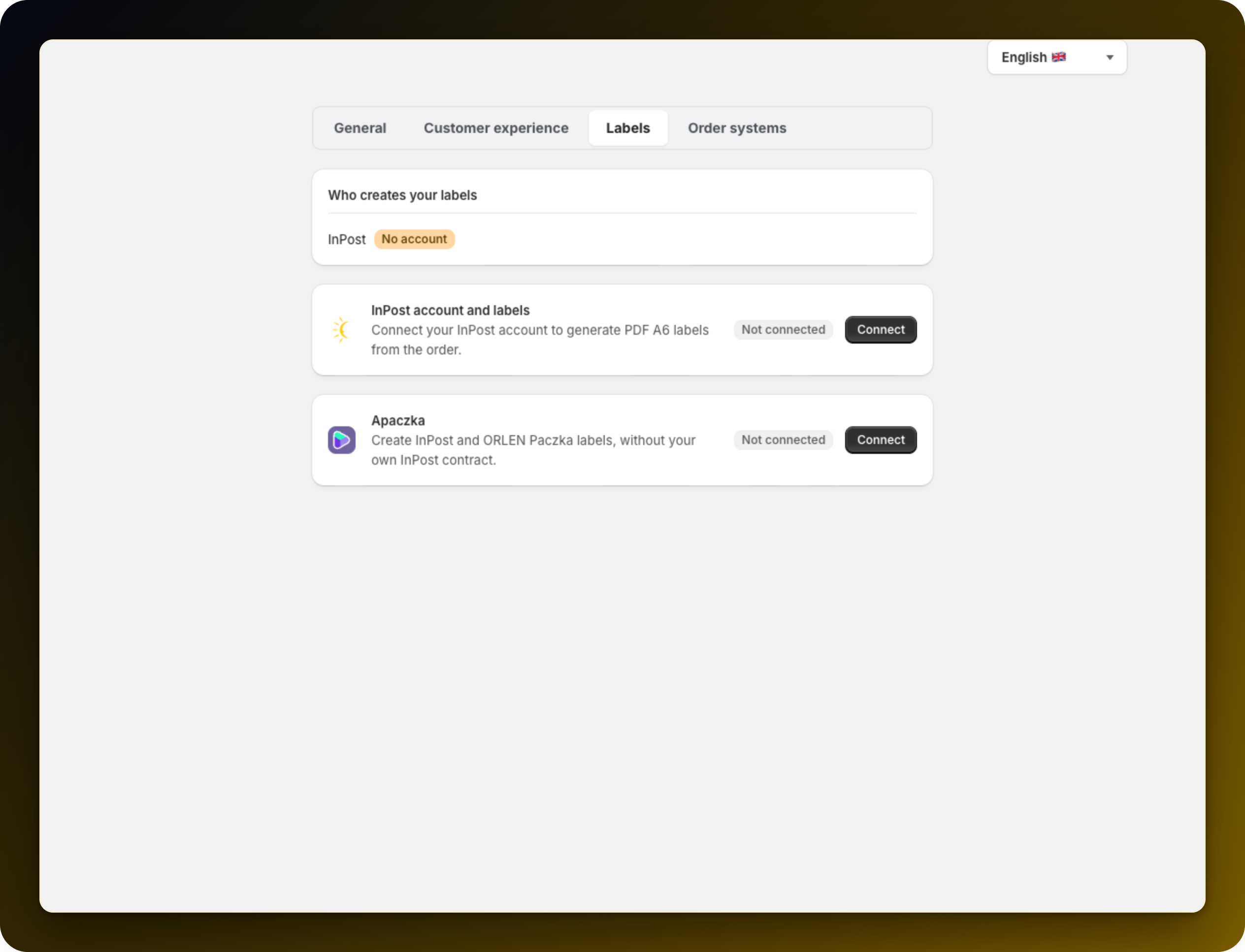
Two things follow. It is the route for stores with no InPost agreement, and the only route that produces ORLEN Paczka labels, even for a store that has one.
Log in to the Apaczka panel and open the WEB API tab. Click Dodaj integracje, pick the Własna integracja platform and accept the API terms. Copy the App ID and the App Secret carefully, because the secret is shown only once.
Paste them into App ID and App Secret and press Connect Apaczka.
The app reads the services on your Apaczka account and picks the ORLEN one for you. If it finds none, ORLEN labels are refused rather than sent on a guess. Enable an ORLEN service in the Apaczka panel, then press Refresh services here.
Apaczka needs a full sender, so the Sender details block asks for Name / company, Street and number, Postal code, City and Sender phone. Nothing warns you about a missing piece here; it surfaces later as a refused label.
Fill Bank account for COD payouts (NRB) with exactly 26 digits. Cash-on-delivery orders need it to carry the COD amount on the label, and any other length is refused when you save.
Keep money on the account. The Apaczka account is prepaid, and labels stop generating when the balance runs out.
There is no test mode. Every label through Apaczka is real and paid for, so use one deliberate test order.
Then read Which account prints which label? to confirm each carrier now has a route.
Stuck on any of this? Open the chat in the bottom right corner of the app and we will help you set it up.
